Torus
A donut-shaped ring with independent control over the overall size and the thickness of the ring cross-section.
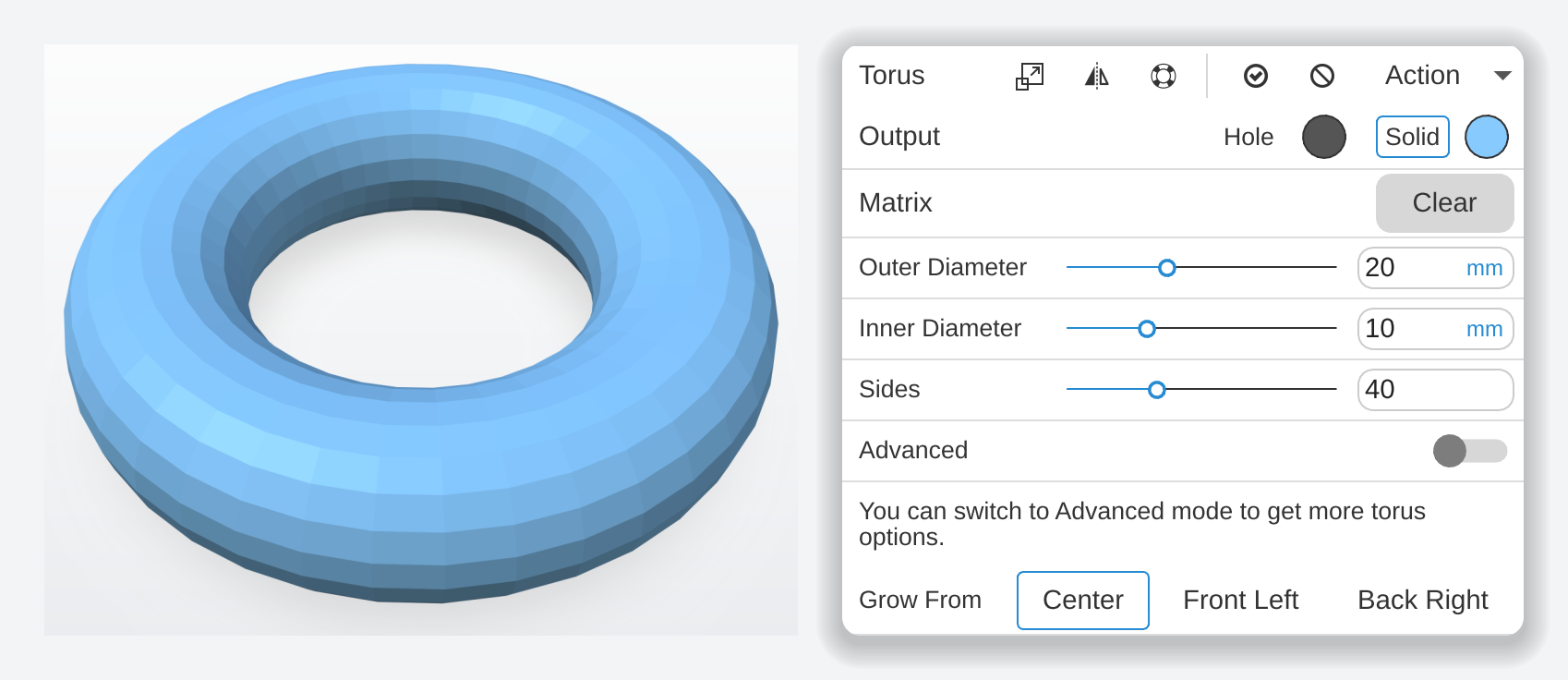
Parameters
- Outer Diameter - The overall width across the torus, in mm (default 20)
- Inner Diameter - The width of the hole in the center, in mm (default 10)
- Sides - Number of segments around the main ring (default 40; 3 to 360). Without Advanced, the cross-section gets half as many sides (at least 3)
- Grow From - Which side of the part stays where it is when you change its size: Center (the default) grows it the same amount on every side, Front Left keeps its front and left sides in place so it grows toward the back and right, and Back Right keeps its back and right sides in place so it grows toward the front and left. The sides are the part's own, so a part you have turned grows along its own sides. The bottom always stays where it is. It applies when Outer Diameter or Inner Diameter changes, whether you type it or a formula changes it; other settings don't use it. It is the last row in the panel, below the Advanced rows, and shows whether Advanced is on or off
- Advanced - Off by default. Turn it on for the options below
Advanced Parameters
- Starting Angle - Where the torus begins around its axis, in degrees (default 0)
- Ending Angle - Where the torus ends, in degrees (default 360). Less than 360 makes an open ring or arc
- Ring Sides - Number of segments around the cross-section (default 15; the slider runs 3 to 260). More is a smoother, rounder ring
- Ring Phase Angle - Turns the cross-section about its own center, in degrees (default 0). It shows most with few Ring Sides: with 4 at the default 0 the cross-section is a diamond (points at the outer edge, top, inner edge and bottom), and at 45 it becomes a square with a flat top
Tips
- The ring tube thickness is determined by the difference between Outer and Inner Diameter
- Use Starting and Ending Angles to create open ring segments, arcs, or C-shapes
- Useful for creating O-rings, handles, decorative rings, and pipe bends
Related
- Tube - A straight-walled hollow cylinder
- Sphere - A solid ball shape
- Half Sphere - A dome shape