Welcome
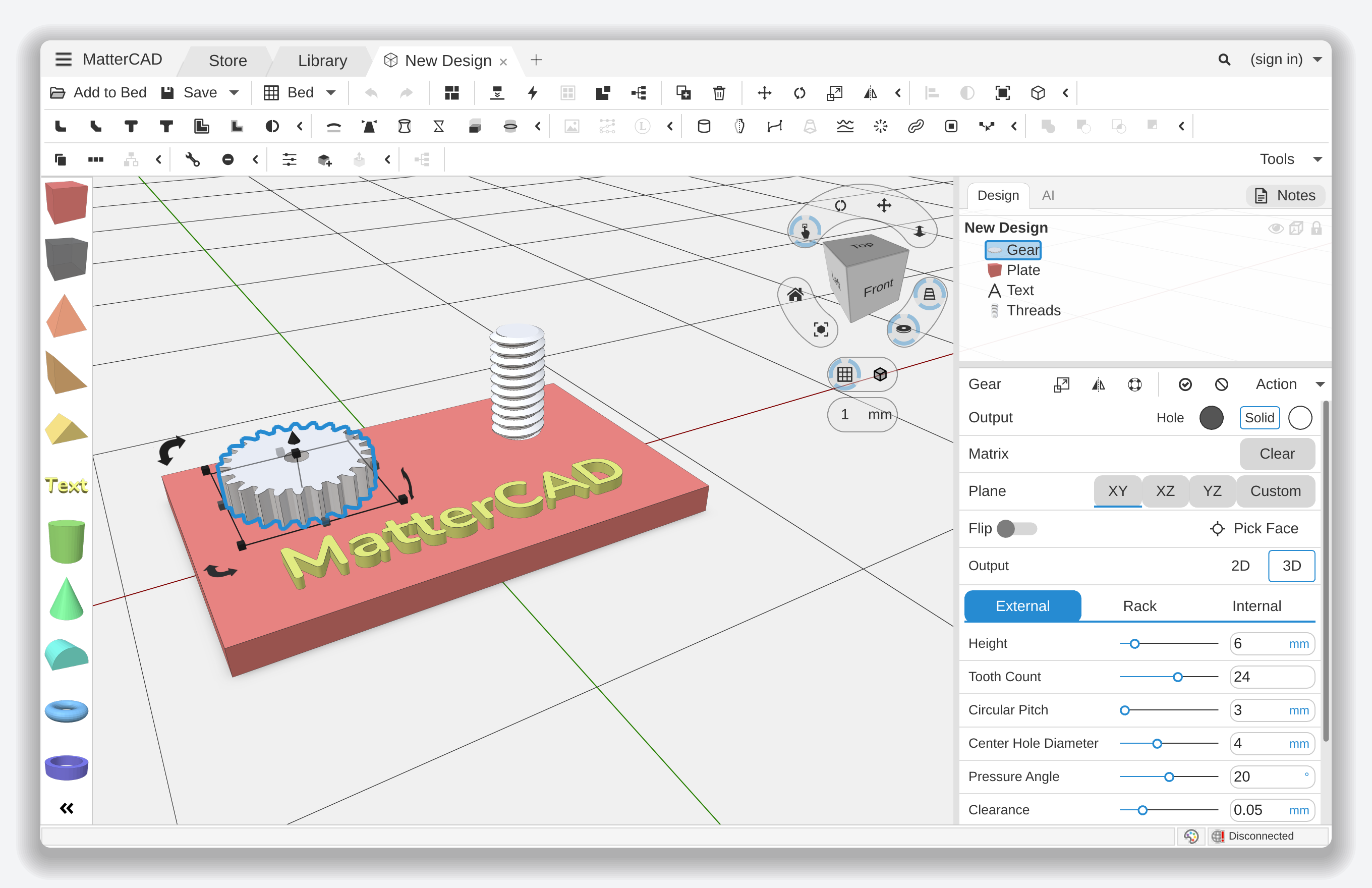
Welcome to MatterCAD, professional 3D design software that helps you create and modify 3D models. Use the links below to find help on any topic.
Getting Started
- Getting Started - Learn the basics of the MatterCAD workspace
- Viewport Navigation - How to rotate, pan, and zoom the 3D view
- Creating New Objects - Add primitives and start designing
- Adding Existing Objects - Import files and library content
- Editing Objects - Move, rotate, and scale parts in the 3D view
- Saving and Exporting - Save your work and export to different formats
- The AI Tab - Chat with an AI that builds, changes and explains your design
- Using AI Assistants - Let an AI chat tool read and edit your designs
- AI Plans - What each MatterHackers AI plan includes, and the weekly allowance
- Buying an AI Plan - Get a plan from the AI tab, mattercad.com or matterhackers.com
- Managing Your AI Plan - Change your plan or card, cancel, or resume
MatterCAD on the Web
- MatterCAD on the Web - Open, preview and edit your designs on the MatterCAD website
- Saving on the Web - Save to your online library and get back unsaved changes
- Using MatterCAD on a Phone - The phone layout, the selection bar, press and hold menus and the bottom sheet
- Web and Desktop Differences - What works differently in a browser
Design Building Blocks
- Primitives - 3D shapes like cubes, cylinders, spheres, text, and more
- 2D Paths - Flat shapes that can be extruded or revolved into 3D objects
- Mechanical Parts - Gears, threads, and other mechanical components
Operations
- Boolean - Combine, subtract, and intersect objects
- Transform - Move, rotate, scale, and mirror
- Placement - Align objects and fit to bounds
- Reshape - The Round & Offset and Deform groups: fillet, chamfer, curve, twist, and more
- Array - Create linear and radial patterns of objects
- Path - Extrude, revolve, and modify 2D paths
- Mesh - Repair and simplify mesh geometry
- Image - Convert images to 3D objects
Workspace and Workflow
- Workspace - Keyboard shortcuts, selection, undo/redo, grouping, and more
- Menus and Toolbar - The ☰ MatterCAD menu and the design toolbar
- Camera Controls - The cube and buttons in the corner of the 3D view
- Section View - Cut the design open in the 3D view to see inside
- Tabs, Search and the Status Bar - Tabs, help search and the status bar
- Settings - Language, text size, themes, AI providers and more
- Signing In - Your MatterHackers account
- Updates and Recovery - Updates, crash reports and getting unsaved work back
- Library - Organize, store, and share your designs
- Design Apps - Pre-built parametric designs you can customize
Reference
- What's New - Latest features and improvements
- Full Release Notes - Detailed version history
- Frequently Asked Questions - Common questions and answers
- Getting More Help - Send feedback from MatterCAD or the website, or contact support