Array Operations

Array creates multiple copies of an object arranged in a pattern. This is useful for creating repeating features like bolt holes, fence posts, gear teeth, or decorative elements.
The Duplication group of the toolbar holds Clone, Array and Select Child. Array has three modes, Linear, Radial and Transform, all in a single tool.
| Linear | Radial |
|---|---|
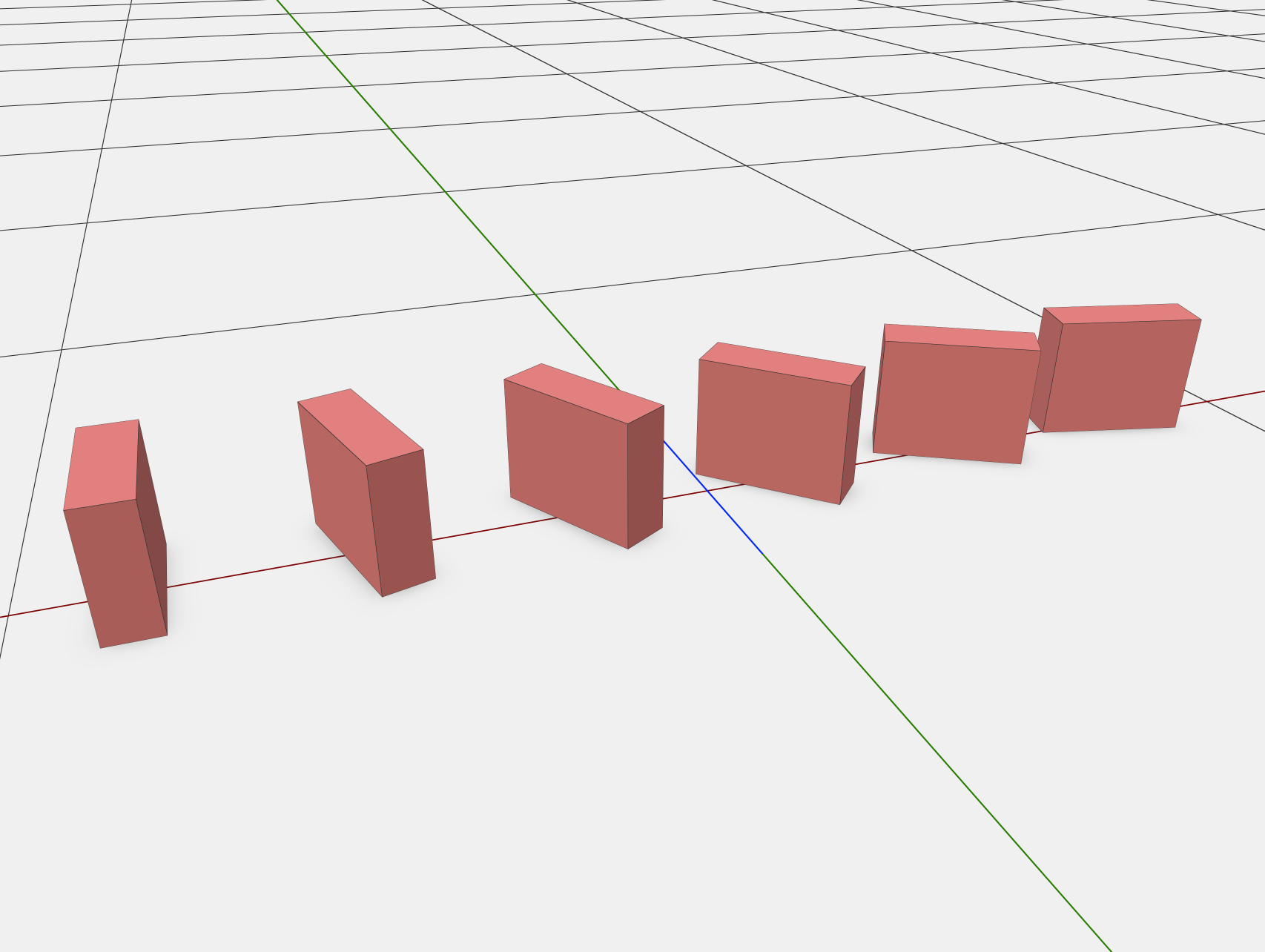 |
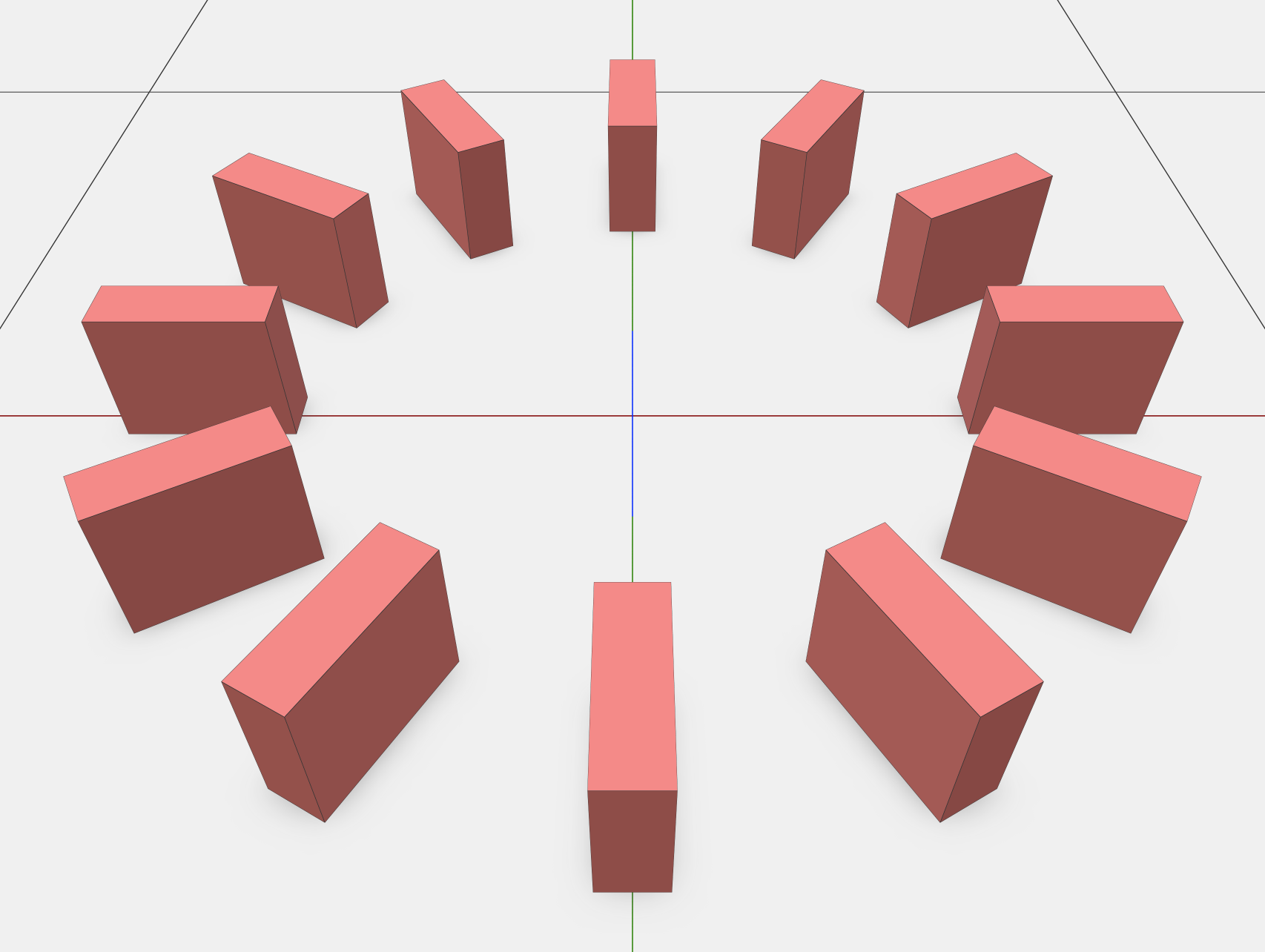 |
Pages
- Clone - Make a linked copy that stays the same as the original, and cut test-fit pieces from it
- Array - Create linear, radial and transform patterns of duplicated objects
- Select Child - Dynamically pick one child from a group by index or name