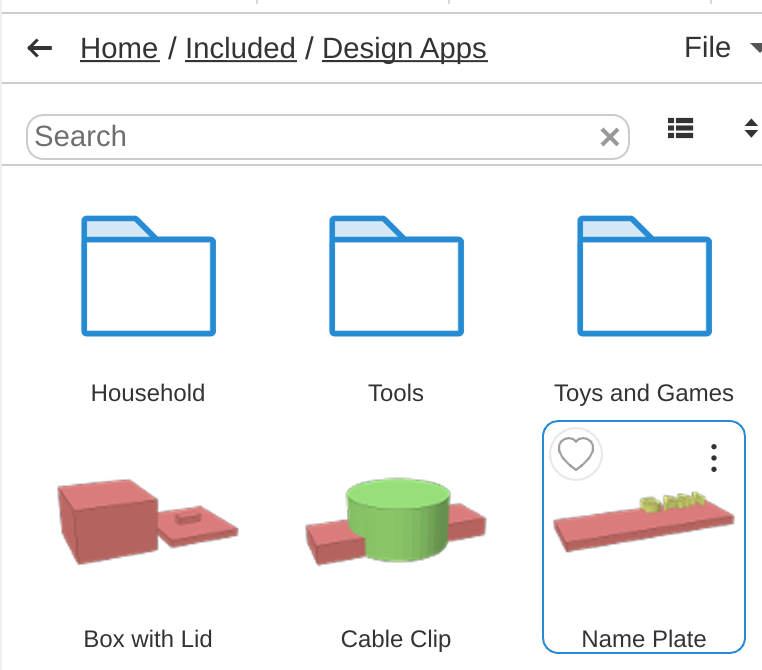
Design Apps
MatterCAD provides powerful tools for designing and creating your own 3D models. With the operations on the toolbar, you can combine and subtract different parts to create entirely new designs. For those new to 3D design, Design Apps offer an approachable alternative. Instead of creating a 3D model from scratch, you can modify pre-built designs by adjusting parameters to match your specific requirements.
You find them in the Library under Included › Design Apps. They are loaded from the internet, so the folder needs a connection. To use one, open the Add to Bed popup on the design toolbar, go to Included › Design Apps, and double-click a design to add it to the bed. Then change its settings in the Properties panel.