Circle Path
A circular 2D path, added as Circle from the 2D Primitives. Use with Linear Extrude to create cylinders, or Revolve to create torus-like shapes.
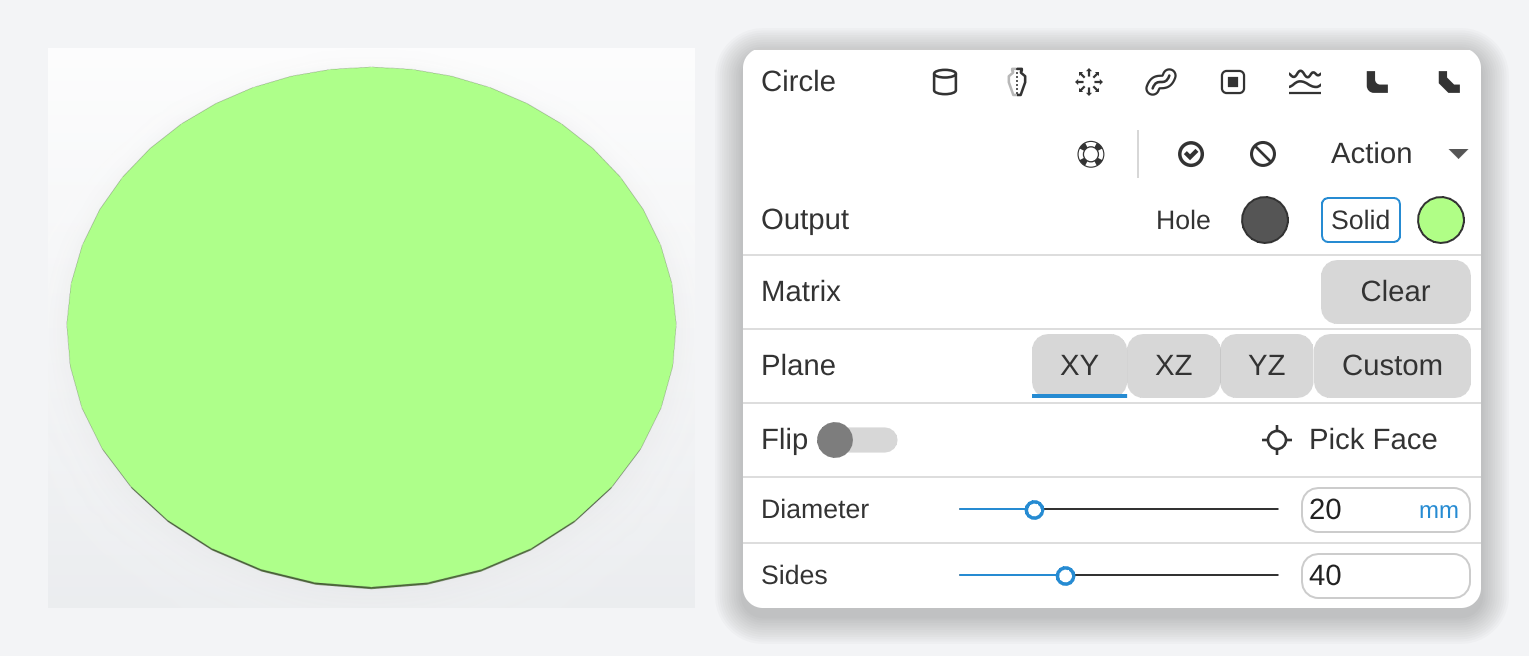
Parameters
- Plane - The construction plane the circle is drawn on (default XY, flat on the bed)
- Diameter - The width from one side to the opposite side, in mm (default 20)
- Sides - How many straight segments make the circle (default 40; 3 to 360). More is smoother; 3 makes a triangle, 6 a hexagon
Tips
- A Circle Path combined with Linear Extrude produces a cylinder, similar to the Cylinder primitive but with more flexibility in how you build up from it
- Move it away from the axis and use Revolve to make a ring shape
Related
- Box Path - A rectangular 2D path
- Ring Path - A circle with a hole
- Linear Extrude - Give paths height